
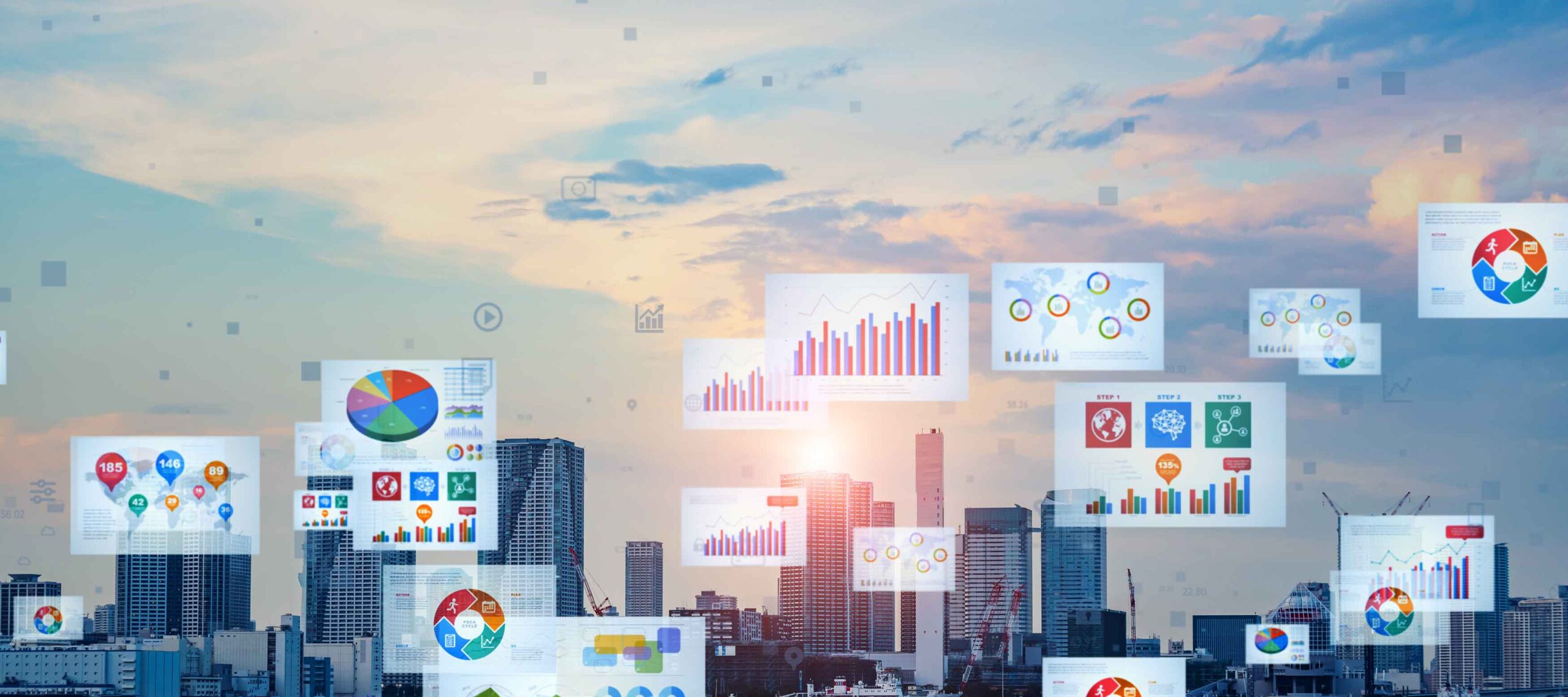
Today, we live in a world of data on demand. In fact, according to estimates by the World Economic Forum, more than 463 exabytes of data will be generated each day in 2025. At the same time, raw data isn’t particularly useful to the average person. Instead, we rely on data interpretations and visualizations to make sense of even the most complex of numbers.
Enter the world of data visualization, a field that focuses on the graphical representation of data through the use of charts, maps and other visual tools. If you have plans to break into the world of graphic design, understanding data visualization techniques and best practices will serve you well in this growing field.
The Role of Graphic Design in Data Visualization
Believe it or not, graphic design and data visualization are inextricably connected. Not only does effective data visualization require careful design choices, but it also requires a fair amount of creative storytelling.
Turning Data Into Stories
Raw data, on its own, doesn’t serve much purpose until its meaning can be extracted and communicated to others. Most often, this requires visual storytelling with data. A graphic designer, for example, may illustrate trends and patterns in data through charts and graphs while connecting data points to concepts that matter to a target audience.
Enhancing Readability and Clarity
Graphic design also comes into play in effective visual communication, especially when presenting complex numbers and statistics. By converting raw data to graphics that clearly illustrate meaningful trends and patterns, graphic designers can improve the readability, clarity and comprehension of data.
Principles of Effective Data-Driven Visual Design
When it comes to data visualization and dashboard design principles, simplicity, hierarchy, color theory and consistency are key.
Simplicity and Focus
One of the most important aspects of effective data-driven visual design is simplicity. When there’s too much going on or too much data being presented at once, your audience is more likely to become confused or miss the message altogether. For each visualization you create, try to keep your message as simple and focused as possible.
Hierarchy and Emphasis
Hierarchy, or knowing how to create visual representations that demonstrate relationships between data points, is another essential principle of data-driven design. Creating hierarchy in data visualization can be done through careful structuring, where the most important data is presented at the top (such as in a treemap). Graphic designers may also use other visualization techniques, such as sunburst charts and dendrograms, to communicate hierarchy and maintain structure.
Color Theory in Data Visualization
It’s no secret that color theory plays an important role in graphic design, but it is perhaps just as critical in data visualization design. Specifically, designers must learn how to use color to effectively present data, guide the focus of their audiences and make data more compelling. This includes not only choosing the right colors to communicate data, but avoiding the overuse of color that could unnecessarily complicate designs.
Consistency and Branding
In creating data visualizations, graphic designers must also be cognizant of existing branding guidelines. This may mean, for example, using the brand’s colors or sticking with a branded typeface when designing infographics or other visualizations. In doing so, it’s possible to maintain consistency with branding and marketing materials, which can enhance the user experience.
Tools and Techniques for Designing Data Visuals
When it comes to data analytics visualization, graphic designers have plenty of tools and techniques at their disposal, including design software, templates and a wide range of data visualization types.
Design Software for Data Visualization
Graphic designers can rely on design software to help them bring their data visualizations to life. Some popular platforms to explore here include:
Data Visualization Types
In addition to using software to create eye-catching visualizations of even the most complex data, graphic designers must choose how to present data to audiences most effectively. Some common data visualization types used by designers include:
- Heatmaps
- Bar charts
- Scatter plots
- Line graphs
- Pie charts
Customizing Templates and Layouts
Graphic designers can take their data visualizations to the next level by using pre-made templates and customizing them to suit their needs. A designer may, for example, take a standard template for a line graph and tailor it to meet a brand’s unique marketing guidelines in terms of color, typography and language.
Designing for Different Audiences
As in creating any kind of graphic design deliverable, professionals in data visualization must also keep their audience at the forefront when making design choices.
Executive Dashboards
Specifically, infographic design for different audiences requires designers to consider the target audience’s level of data literacy. At the executive level, data literacy tends to be on the higher end. That said, audiences here may do well interpreting more complex visualizations and technical details that include annotations and raw data points.
Team Performance Reports
Creating visuals for team performance reports, on the other hand, may require a slightly more simplistic approach that aims to highlight just a handful of trends or patterns at a time. This can help provide a high-level overview without getting overly complex.
Public-Facing Infographics
Infographics for general audiences should typically utilize a minimalist design with streamlined visualizations. In these designs, it is best to focus on only the most critical information with plenty of clear labels and other features to enhance understanding.
Challenges in Designing Data-Driven Visuals
Even the most experienced graphic designers may run into some obstacles when it comes to designing data-driven visuals that are effective, easy to comprehend and appealing to the eye.
Avoiding Information Overload
Perhaps the biggest challenge is avoiding dreaded information overload in infographic design. Trying to present too much data at once can overwhelm audiences and inhibit comprehension. Instead, designers must be discerning about what information is relevant to include and what can be left out.
Ensuring Data Accuracy
At the end of the day, an infographic is only as good as its data. Graphic designers have a responsibility to verify the accuracy and authenticity of data before publishing designs. Doing so can help mitigate the spread of misinformation.
Accessibility and Inclusivity
Accessibility is an increasingly topical issue in graphic design and data visualization. Specifically, designers have an obligation to ensure that their designs are as accessible and inclusive as possible to a wide range of audiences. This can be done through careful design choices that facilitate readability and comprehension.
Examples of Exceptional Data-Driven Visuals
Exploring real-world examples of successful data-driven visuals is a great way to better appreciate dashboard UX design and the work that goes into it.
Corporate Dashboards
- Google Analytics Dashboards allow users to visualize a wide range of data from website analytics in a way that’s easy for even beginners to understand.
- Salesforce Performance Dashboards are built directly into memberships to help businesses visualize their performance.
- Netflix Content Performance Dashboards provide decision-makers with an accessible way to better understand viewer trends and pinpoint trending content.
Public Health Infographics
- World Health Organization (WHO) COVID-19 Dashboard provides a wealth of data on current and past COVID-19 cases across the globe as reported by WHO.
- CDC Opioid Epidemic Infographic is a powerful visual that demonstrates the different “waves” of opioid overdose deaths in the United States from 1999 through the present day.
- Our World in Data: Climate Change Visuals are a series of infographics that present climate change information in an interactive and memorable way.
Financial Reports
- Apple Annual Reports are presented to investors following Apple’s iconic branding guidelines and with powerful visuals.
- Tesla Sustainability Reports is an annual impact report issued by Tesla that communicates the brand’s positive impact on sustainable energy offerings.
- Amazon Shareholder Reports is the brand’s impactful and visual annual report that provides meaningful insights to investors.
Tips for Aspiring Data-Driven Designers
If you’re excited to put some creative data visualization ideas to use, there are some basic tips and best practices you can keep in mind as you begin experimenting in this area of design.
Refining Design Basics
First, it’s important to reframe and refine some of the concepts you may have already learned in graphic design. By applying such concepts as contrast, emphasis and hierarchy specifically to the field of data visualization, you’ll be in a better place to create effective designs.
Learning Data Tools
Data visualization tools are a great way to make sense of data while presenting it in a way that is accessible to your audiences. However, just like any other software program or design app, these tools take some practice and experimentation to learn.
Practicing With Real-World Data
A little practice can go a long way when it comes to applying data visualization trends to your own work. Don’t be afraid to experiment with raw data and explore unique ways to present your findings. You can even add your best work to your professional portfolio!
Ready to Learn More?
Being able to take raw data and essentially “translate” it into graphics that can be easily interpreted and understood is a valuable skill to have as a graphic design professional. With a better understanding of data visualization principles and how to carry out data visualization best practices in your own work, you can add this in-demand skill to your list of competencies as a graphic designer.
Ready to delve deeper into the exciting world of data-driven design? Check out Rocky Mountain College of Art + Design’s Bachelor of Fine Arts in Graphic Design program. This program covers such relevant topics as identity design, advertising, typography, data visualization design , and much more. Plus, this program is available both on-campus and online to suit your busy schedule while accommodating your unique learning style.
Drop us a line to request more information about this program or any of our other program offerings. You can also get the ball rolling by starting your online application for admission today.